
Cricut Explore Air 2 for Beginners Tutorial – Is it easy to get started?
This is a sponsored conversation written by me on behalf of Cricut. The opinions and text are all mine.
Truth be told, when the Cricut Explore Air 2 arrived it felt a little daunting to open up the box up. But don’t worry – I have step-by-step instructions on how to tackle your first vinyl project on Cricut with pictures!
If you’re a visual learner like me you’ll appreciate this detailed explanation on how to first set up your Cricut Explore Air 2 and create your first project.
Did I keep the box unopened for a few days on the corner of my office putting it off thinking?
Would I be able to create a project on the Cricut Machine right off the bat?
The short answer is YES! You can create your first Cricut Project quickly, but there are a few basics we need to cover.
Don’t feel overwhelmed by it, I promise you it’s quick to learn and you’ll be able to get your first Cricut craft done!
I clicked around the Cricut Design Studio, learning where things are, watched a few YouTube videos and I was ready to give it my first try.
Making crafts is something I love to do, but usually all by hand. I’m excited to see what other fun projects I can tackle with this machine.
Cricut Explore Air 2 for Beginners – Introduction
As I previously mentioned, my past craft projects have been all done by hand. With the Cricut, those crafts will be lifted to a whole other level.
Setup was super simple! I just followed the guided prompts. You’ll need a computer or tablet/phone to set up your machine.
Once your Cricut machine is set up, you’ll be able to create your projects in a very short time.
Easy Beginner Cricut Vinyl Project
For my first project, I decided vinyl would be a simple & fun project to create.
I wanted a cute cover for my bullet journal, I have several from previous years and can never tell them apart.
Knowing what project to do was really the hardest part of all of this, my mind kept going in different directions.
How to Get Started with my First Cricut Explore Air Project?

Cricut accessories needed for your first Cricut Vinyl Project:
- Cricut Explore Air 2 – there’s also a special bundle
- Light grip Machine Mat
- Vinyl
- Weeding Tool
- Scraper
- Transfer Tape
- Journal
Creating your First Vinyl Project in Cricut Design How-To
Open up the Cricut Design Space and click new project.
A Canvas will open up and you’ll be able to insert images and text here. You can access my Cricut Vinyl design here, you may also customize it to your liking.
Let’s say you’re reading this in the future (Hi, person in the future, sorry for 2020), this is where you’d make those changes.

Once you’ve completed your design whatever that may be (there are also ready-made projects that you can just copy just to get you started), click on make it! It will take you to the PREPARE section.

The prompt will tell you to load your sticky mat. As you can see below, I’ve added the vinyl to my blue sticky mat. Next, follow the prompts in Cricut Design.

You will press the load button (arrow), once loaded it will prompt you to click on the Cricut button and your project will begin cutting.
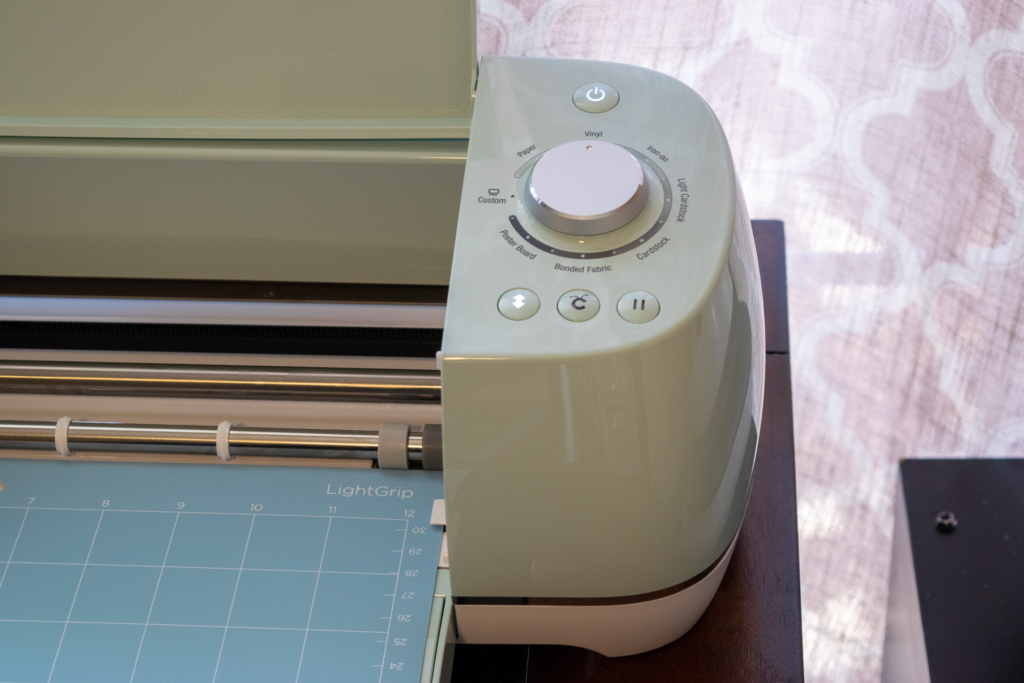

The Cricut Explore Air 2 will then cut out my vinyl project. Once the project is complete, you’ll be prompted to unload your mat.

Now comes the fun part! I cut my vinyl into two pieces since they are two words.

You will then peel off the vinyl and discard.

Start “weeding”, the term used for removing any extra vinyl that needs to be left out. For example the insides of round letters.

Apply the transfer tape over your vinyl and with the scrapping tool, press down well to affix better.

Once the project has transferred to the tape, apply it to your journal and you’re done!
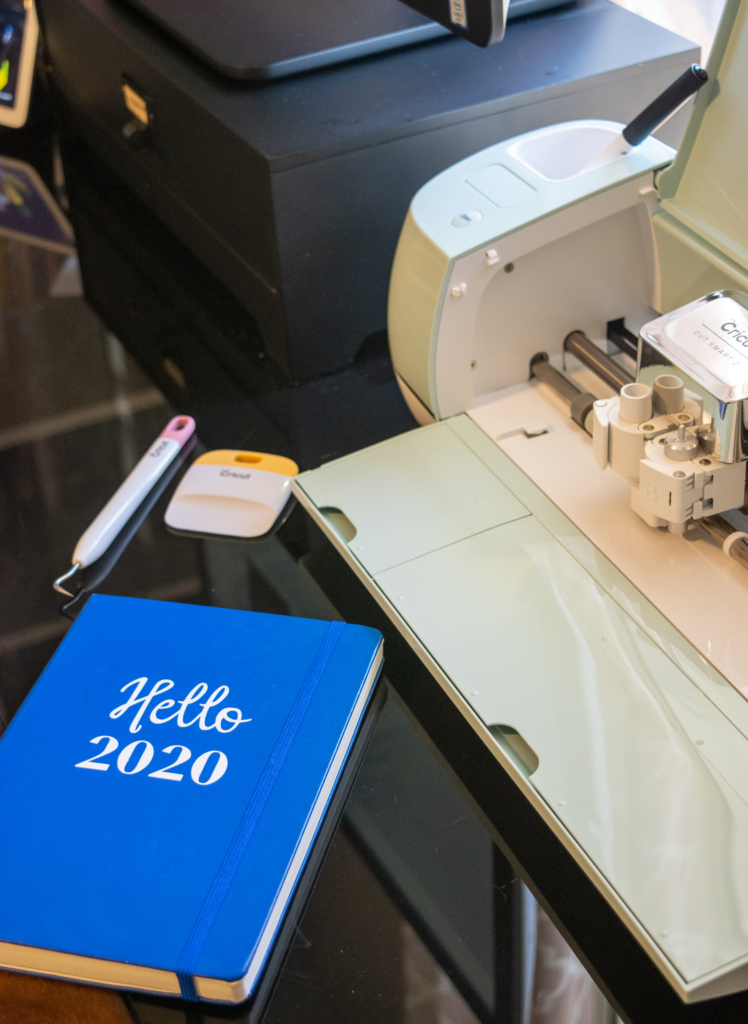
I hope you found this tutorial helpful in starting your first Cricut project! I know it can be overwhelming but I promise it will become easier and easier.
Excited to see what other projects I create on my new Cricut Explore Air 2!
Ready for your second project?
Here’s what I created Cricut Coasters I created using
Cricut’s Infusible inks!
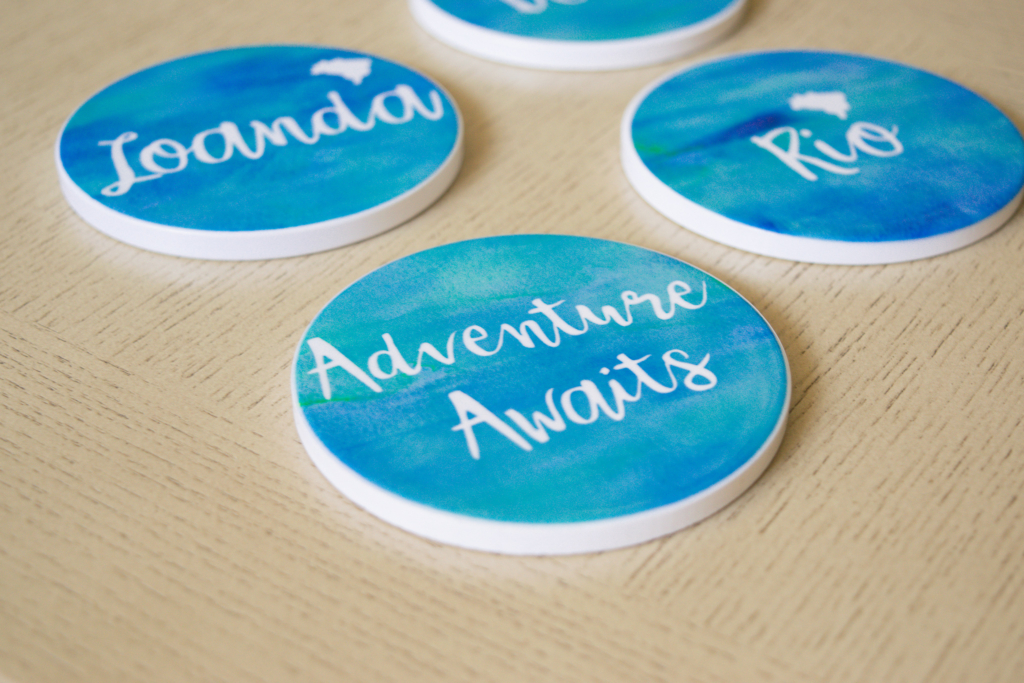
Need more Cricut project inspirations? Here are more ideas to get you started.
Thanks for stopping by!
xo, Ellen
Comments submitted may be displayed on other websites owned by the sponsoring brand.
Step by Step Cricut Explore Air 2 for Beginners
Latest Posts
- Is Going Analog in 2026 Actually Realistic? (An Honest, Practical Answer)
- Best Wine Subscriptions 2025 – Top Picks + Comparison
- The Ultimate Mother’s Day Gift Guide (with a Cultural Twist!)
- Traditional Easter Celebrations in Portugal: Faith, Family, and Folar
- Museu José Malhoa in Caldas da Rainha – Family-Friendly
Facebook | Instagram |Twitter | Pinterest
